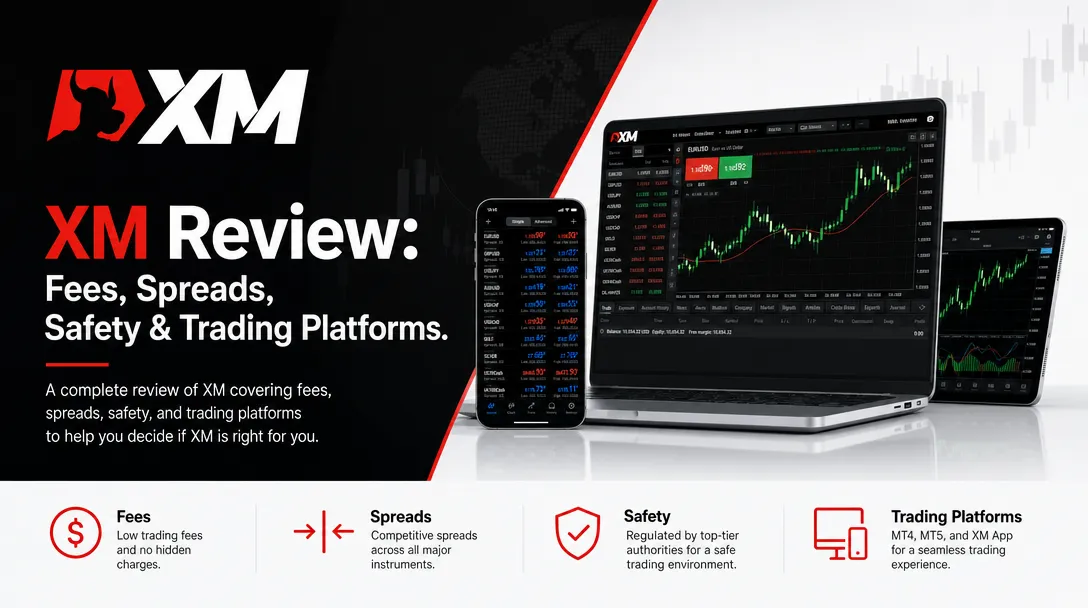
XP has a simple platform and only focuses on two of the most widely used trading platforms, MetaTrader 4 (MT4) and MetaTrader 5 (MT5). More recently, the broker has also added TradingView, giving traders another option for market analysis and charting.
All these platforms are accessible on web or even mobile. This means clients can get to their accounts from almost anywhere, without having to switch brokers or account types.
A. MetaTrader 4 (MT4)
For a long time, MT4 has been a top choice for forex traders, and XM still backs it for those who like its classic design.
This trading platform has all the tools needed for everyday trading. It provides real-time prices, technical indicators to support trading decisions, and one-click trading. It also allows custom watchlists. Plus, it works with Expert Advisors, which are like robots that can automatically buy and sell based on rules set in advance.
MT4 is still widely used today, even though it's been around for a while. This is because it's really stable and easy to get the hang of. Plus, there are tons of people online who use it and share free tools and indicators, which is a big help.
B. MetaTrader 5 (MT5)
By providing more trading tools and support for more markets, MT5 expands on the characteristics of MT4.
It has more chart timeframes, additional order kinds, an integrated economic calendar, and a wider range of technical indicators than MT4. Additionally, it enables traders to use a single platform to access a variety of trading products.
MT5 is typically a preferable option for traders who want more recent capabilities without sacrificing the classic MetaTrader experience.
C. TradingView
Additionally, XM now supports TradingView, a platform that has grown in popularity among traders because to its sophisticated charting tools and elegant design.
TradingView facilitates the analysis of market movements by providing interactive charts, hundreds of technical indicators, and sketching tools. Additionally, there is a sizable online community where traders may watch market trends, exchange ideas, and discuss strategy.
The ability to link TradingView with an XM account makes trading more convenient for traders who already use it for chart research.
D. Mobile Trading
MT4 and MT5 are also available on both Android and iOS devices. They include most of the same features as the desktop versions, such as chart analysis, order placement, account management, and price alerts.
While smaller screens can make chart analysis less comfortable than on a desktop, the apps still perform well for monitoring positions or placing trades while on the move.
C. Research and Educational Tools
One area where XM stands out is its educational content and market research.
The broker shares its market expertise with clients every day through a variety of media, including articles, videos, webinars, and podcasts, all available in several languages. Additionally, it gives clients access to Trading Central, a powerful research tool that generates trading ideas, provides in-depth technical analysis, and offers valuable market insights to help them make informed decisions.
Additionally, XM prioritizes educating traders far more than many other forex brokers. While more seasoned traders can follow daily market updates and professional analysis, beginners can access instructional videos and platform guidelines.
For traders of all skill levels, XM offers a full trading experience. The broker makes up for its lack of a proprietary platform by providing a variety of well-known trading platforms, such as MT4, MT5, and TradingView. Additionally, traders can use XM's vast collection of research and educational materials to improve their methods and make well-informed decisions.